


Critical errors on this WordPress website
In WordPress website mostly all admins have examine that errors like “critical errors on this WordPress website” and today we are going to provide all the possible solutions in an easy way.
Following are the reasons due to which this critical error message is shown in WordPress dashboard.
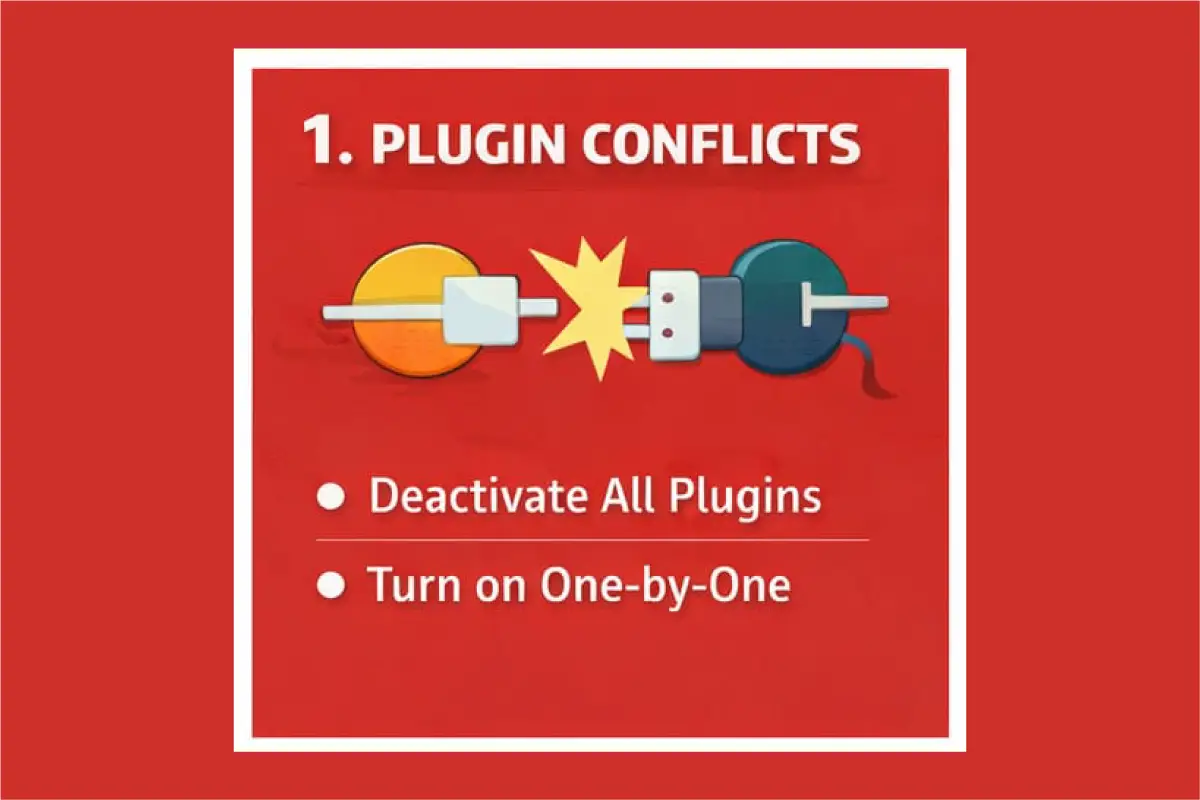
1-Conflicting or Broken Plugin issues ( Most Common )
When plugin update went wrong
- Two plugins don’t play nicely together
- Any plugin which isn’t compatible with your current WordPress or PHP version
Solution:
If the error critical errors on this WordPress website shown due to plugin conflict or broken plugins then follow the below steps.
disable all the installed plugins. Then turn on one by one respectively by logging into hosting account. Lastly find the broken plugins. Refresh you website. If website works properly then all other plugin are working properly and if the error There has been a critical error on this website WordPress again occur then check another and so on until you find the broken one.
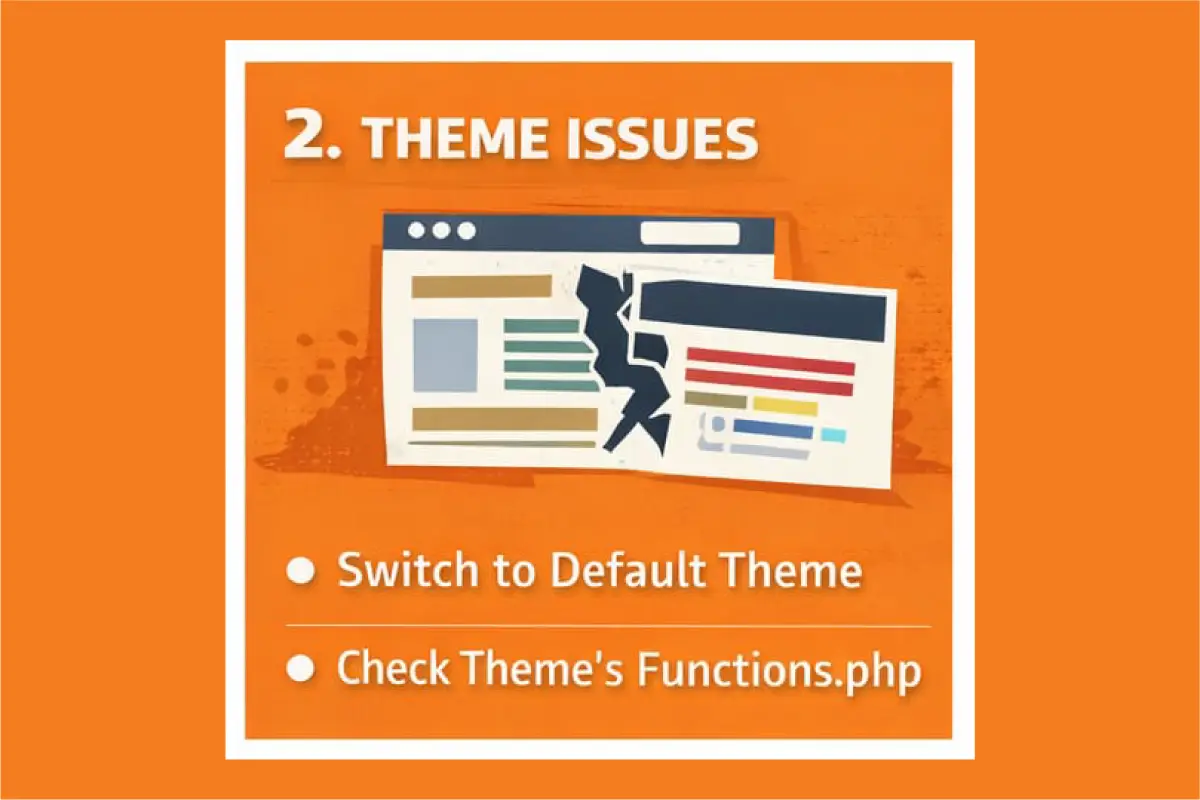
2-Issues with the theme
- If you have updated your theme recently which has introduced bugs
- If you have edited the theme files ( like functions,PHP ) which has causes small typo crashed the site.
- Also if theme is incompatible with your WordPress or PHP version. one bad site will be the reason of total site crash.
Solution:
Switch to default WordPress theme in which you have the safe backup theme. Now refresh your website if it works then the error is due to theme. If same persist then the problem is due to some other reasons.
3-WordPress version or PHP issues
- If your hosting upgraded PHP automatically
- If your site is running on old PHP for new and latest plugins/themes.
- And if your running old an outdated plugins on latest PHP version.Functions removed or behave badly can cause fatal errors on whole site.
Solutions:
Login into your hosting panel and check your current PHP version and switch to most compatible version.
Best safe version for most sites is PHP 8.1 and if your site is older then try PHP 7.4 version.
4-Limited Memory
Behind the scenes there has been allow memory size exhausted
- Its due to heavy plugins.
- Is occurs also due to too many plugins running together?
- If you have largest database or the website traffic is spiking.
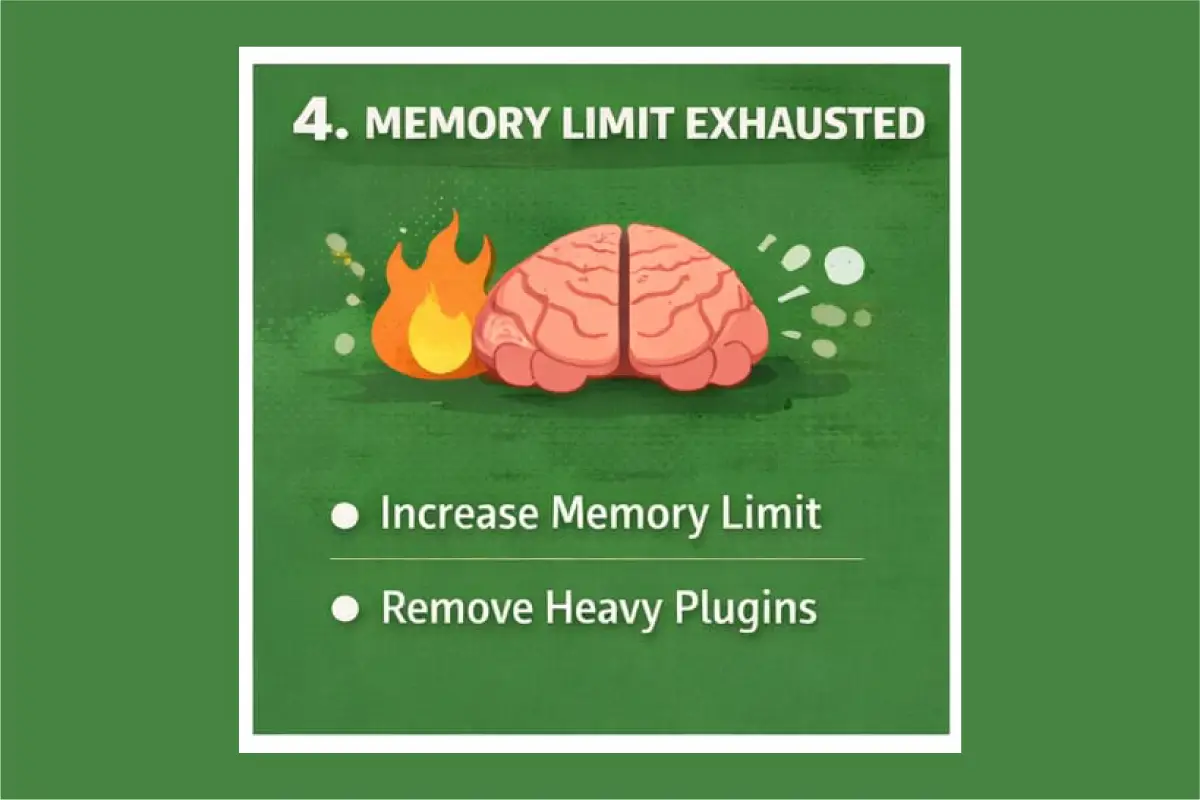
WordPress website run out of memory and there will be hard stop.
Solutions:
This is the problem when WordPress say “I am ran out of the brain power and gave up”.
In this problem WordPress often pushes the site to over the server memory limit. You have to increase WordPress memory limit. You have also to increase the memory limit in hosting. After that the site will be all OK but if the message critical errors on this WordPress website exist then there is some other reason.
5- Corrupted WordPress core files
- If there is interrupted update also due to server issues during file transfer Which may occur due to malware issues
- If there is missing or damaged core files then WordPress can’t be initialize.
Solution:
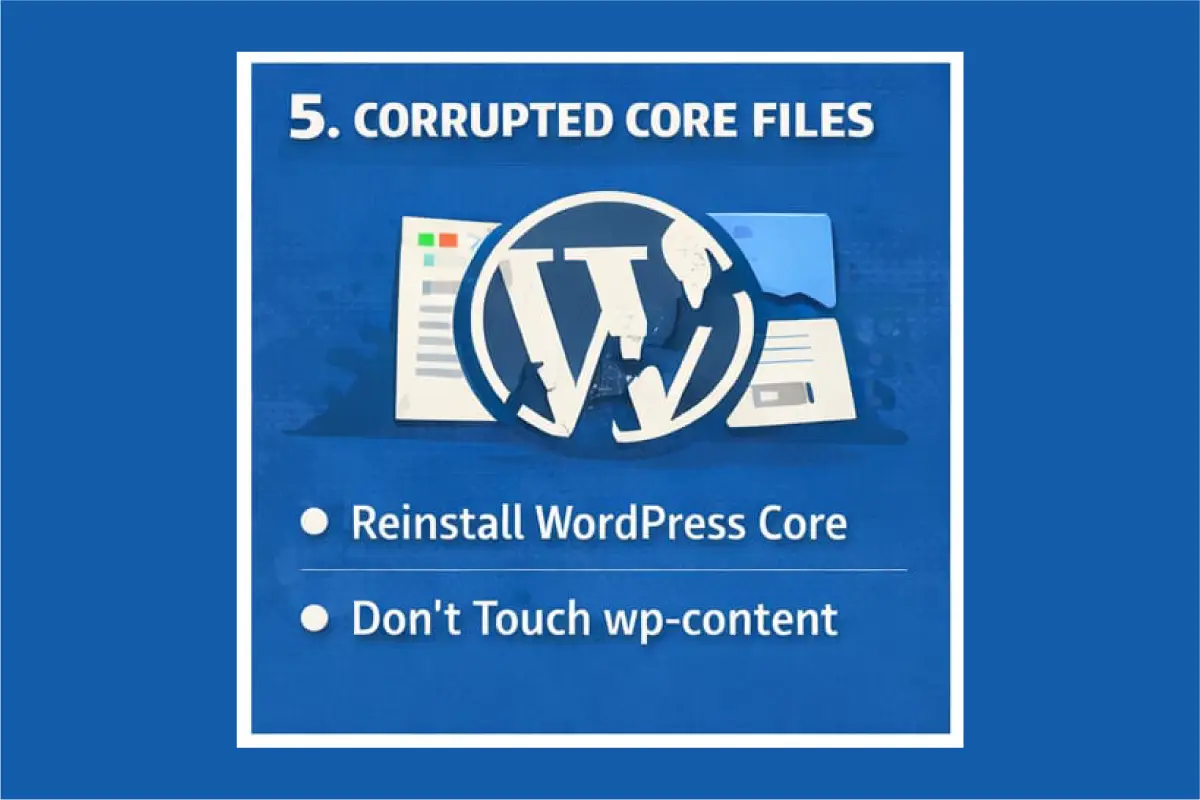
This happens when WordPress files got damaged or go missing.
Reinstall WordPress core in safe method. It will not delete any plugin or your content and theme.
After that refresh your site and the problem will be solved. If the error critical errors on this WordPress website still exit then switch to other reasons.
6- Database connection or corruption issues
- If there has been changes in the database credentials
- Also due to temporarily down of database server
- Beside theses, if there is corrupted database tables files
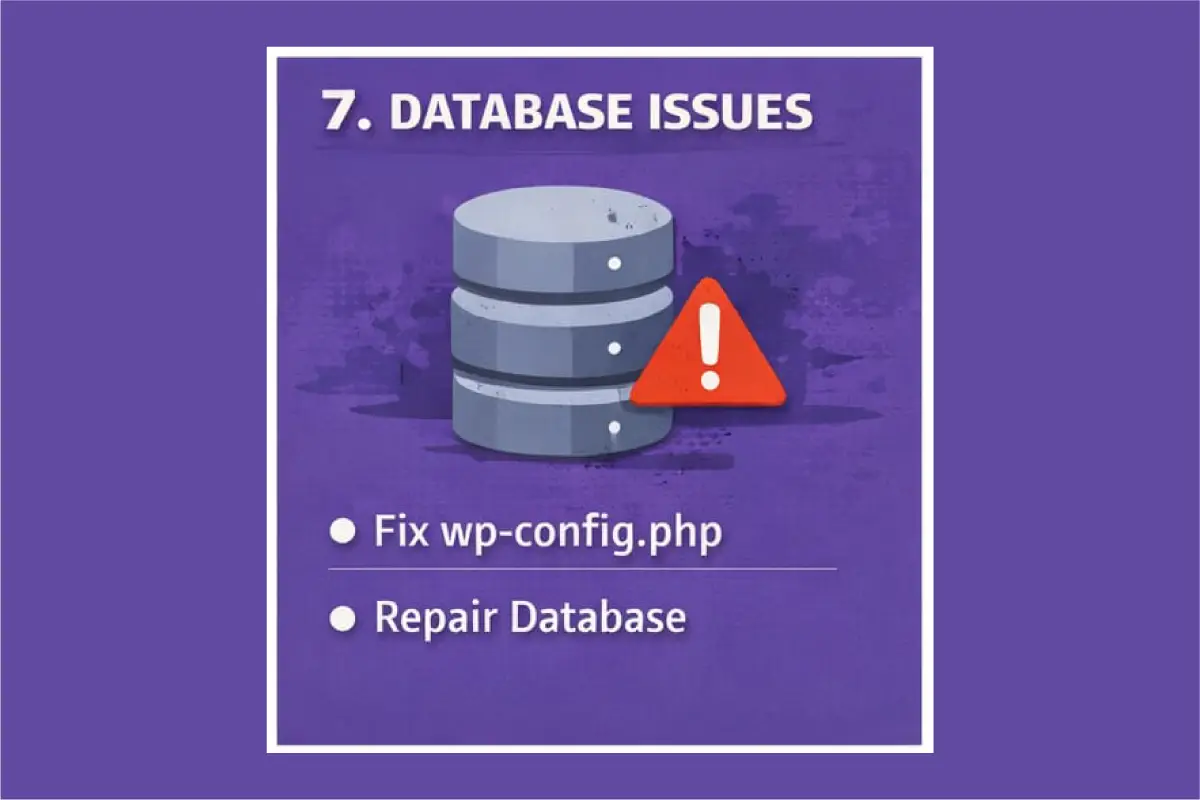
Solutions:
This happens when piece of code in the website crashes the whole website. Single missing sign can down the whole site.
For this kind of problem you have to undo the recent code change. Secondly switch to default theme. Thirdly turn on debug mode. Remove all the errors from the site then solution will came to end. If it again shows “critical errors on this WordPress website” then there will be other reasons.
7- Hacked attack or Malware
- This happens when malicious code often injects broken scripts.
- Also delete or alters core files.
- Along with this, it creates fatal PHP errors.
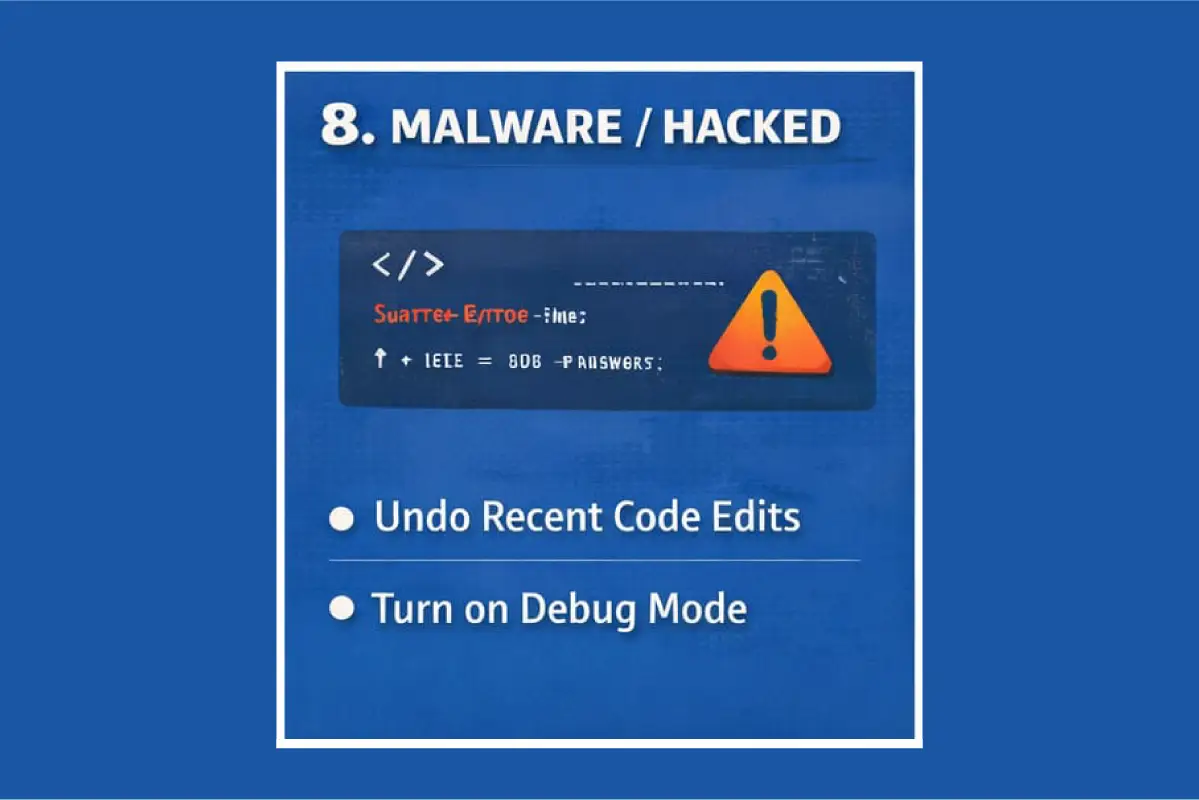
Solution:
This could be dangerous but you can easily solve it with step by step. If malicious code is injected into plugin or core files. It also happen when files are deleted or modified. The message “critical errors on this WordPress website” also shown when back-doors are overloading the PHP.
You have to put the site in recovery mode by disabling all plugins. Then reinstall WordPress core files. Usually hackers modify the core files of WordPress. Also scan for malware by installing security scanner. Find out the suspicious files and remove them one by one. Do change all your passwords and harden your WordPress. Must check back-doors as usually hackers leave hidden re-entry files. You can also restore from clean backup if you want to.
8- Auto-update failed
Solution:
- This happens when WordPress theme , plugin start updating and get interrupted.
Firstly remove the stuck maintenance mode as sometimes WordPress got stuck in mid-update.Then reinstall the thing that was in update process and have failed.Check the file permissions and increase the server limits by preventing future update failures.
If you remember the reason and what cause it will easily help you to find the problem. After that refresh the site if it works properly then the problem is solved and if shows the message “There has been a critical error on this website WordPress” again then definitely there will be some other reason.
The above 8 reasons are the main causes of “critical errors on this WordPress website” and one of the above reason will be the best solution for this. After applying all the technique you will get your problem solved for your website.